755, 775 and 644 Permissions on Linux: What They Mean (chmod)
755 for folders and scripts, 644 for files, 775 when the group writes too: what each chmod number allows, when secrets need 640/600, and why to drop 777.
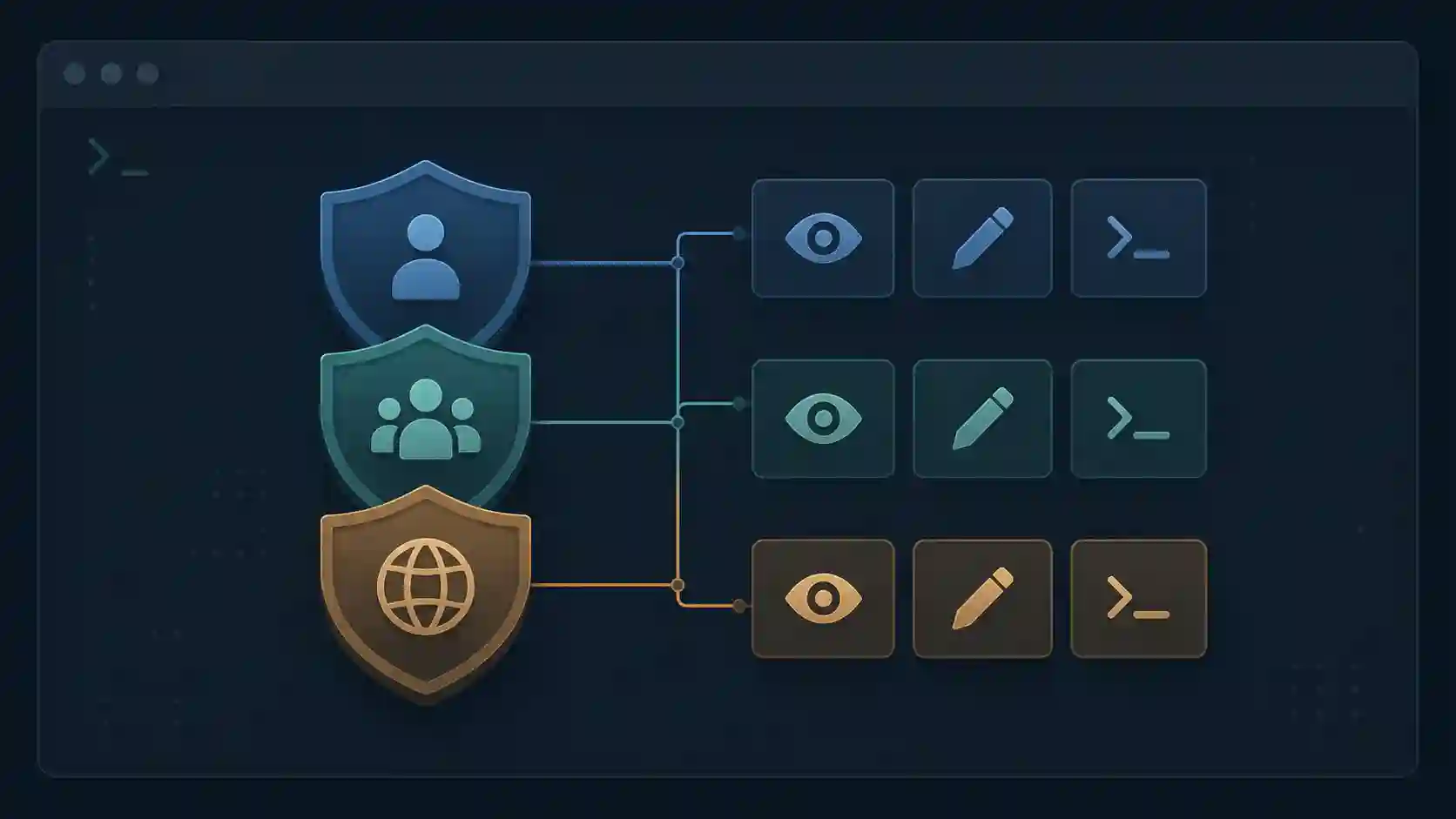
You push a site to a server, open it in the browser, and get slapped with a "403 Forbidden." Or you run a script and the terminal spits back "Permission denied." In a hurry, someone tells you to just chmod 777 it — and like magic, it works, right up until that becomes a security hole. The problem is almost never the file: it's the wrong permission. And three numbers cover the overwhelming majority of everyday Linux cases: 755, 775, and 644.
The short answer, before the explanation:
| Number | Symbolic | Owner / Group / Others | Typical use |
|---|---|---|---|
| 644 | rw-r--r-- |
read+write / read / read | ordinary files: HTML, CSS, images, PHP |
| 755 | rwxr-xr-x |
everything / read+enter-execute / read+enter-execute | folders, scripts and binaries |
| 775 | rwxrwxr-x |
everything / everything / read+enter-execute | folders where the group writes too |
| 664 | rw-rw-r-- |
read+write / read+write / read | files where the group writes too |
| 640 | rw-r----- |
read+write / read / nothing | secret files read by the web server's group |
| 600 | rw------- |
read+write / nothing / nothing | keys and secrets for the owner only |
| 777 | rwxrwxrwx |
everything / everything / everything | almost never; it's the symptom, not the fix |
This guide explains why each row of that table exists, what problem it solves, and how to pick without guessing. For the other side — who owns the file and which permissions are born by default — there's the sibling piece on chmod, chown, and umask.
Read the three digits before you memorize anything
Every permission number has three digits, and each digit applies to a different audience:
- 1st digit → the file's owner
- 2nd digit → the group the file belongs to
- 3rd digit → everyone else (others)
Each digit is the sum of three values: read (r = 4), write (w = 2), and execute (x = 1). Just add them up:
| Value | Permissions | Means |
|---|---|---|
| 7 | rwx | read + write + execute |
| 6 | rw- | read + write |
| 5 | r-x | read + execute |
| 4 | r-- | read only |
| 0 | --- | nothing |
So chmod 644 file.txt means: owner can read and write (6), group only reads (4), others only read (4). To check what a file actually has, without guessing, stat shows both formats side by side:
stat -c '%a %A %n' index.html deploy.sh uploads
# 644 -rw-r--r-- index.html
# 755 -rwxr-xr-x deploy.sh
# 775 drwxrwxr-x uploads
Once that clicks, the three numbers stop being magic.
644: the default for ordinary files
chmod 644 index.html
# rw-r--r--
644 is what you want for any file that doesn't need to be executed and doesn't hold a secret: HTML, CSS, images, .txt, .json, PHP code. The owner edits; the rest of the world only reads. Not by coincidence, with the default umask of 022 on most distributions, a new file is born 644 and a new folder is born 755 — I checked this in Debian 12 and Rocky Linux 9 containers.
Why not give write access to the group and others? Because a content file that anyone can write to is an open invitation for a compromised process to overwrite it. On a web server, 644 is the standard for files that Apache or Nginx serves: the server reads, nobody outside writes.
The classic mistake here is applying 644 to a script that needs to run. Without the execute bit, ./my-script.sh returns "Permission denied" (exit code 126) — and the fix isn't 777, it's adding the x.
Files with secrets: 640 or 600, not 644
Here the "644 for files" rule has an exception many tutorials forget. The last digit, the 4 for "others," means any user on the machine. On a shared server, or on a server where another service got compromised, a .env or a wp-config.php at 644 hands the database password to anyone who wants to read it.
For files with credentials, take others out of the picture:
chmod 600 .env              # only the owner reads and writes
chmod 640 wp-config.php     # owner writes, group reads, others nothing
The detail that makes 640 work is the group: if PHP runs as www-data, the file has to belong to that group (chown deploy:www-data wp-config.php), otherwise the site itself can no longer read its configuration. WordPress's hardening documentation goes further and suggests 400 or 440 for wp-config.php, so that "only you (and the web server) can read this file." I tested the effect with two users in a Debian container: at 640, the user outside the group gets "Permission denied" on cat; at 644, they read it just fine.
755: the default for directories and executables
chmod 755 deploy.sh
# rwxr-xr-x
755 steps in when the x matters. Two cases dominate:
Directories. On a folder, r and x do different things. r lets you list the names of what's inside. x lets you enter the folder (cd) and reach files through it. Without x, even with r, you see the names of the files inside but can't cd in, read them, or see their size or owner: ls -l returns a row of -????????? ? ? ?. The reverse also holds: with x and no r (711), someone who knows a file's exact name can open it but can't list the folder. I tested both cases as a regular user, without root, on Debian and Rocky Linux. That's why the golden rule for web servers is 755 for folders, 644 for files: the folder has to be traversable; the files just need to be readable.
Scripts and binaries. A .sh, a compiled binary, a CLI executable — anything you invoke with ./ needs the x. 755 gives the owner full control and lets everyone else run it without being able to modify it.
The practical difference between 755 and 644 is exactly the execute bit for all three audiences. Use 644 when the content is data; use 755 when the content is code that runs directly or it's a folder.
775: when the group writes too
chmod 775 /var/www/uploads
# rwxrwxr-x
775 is the same as 755, but with one crucial difference: the group gains write access. This solves a collaboration problem that shows up constantly in deployment and on teams.
Picture an uploads folder that both www-data (the web server) and your deploy user need to modify. If you put them in the same group and give the folder 775, both write without conflict — and still, nobody outside the group can touch it. It's the safe alternative to the "just chmod 777 and move on" reflex.
The rule of thumb: use 775 when more than one user in the same group needs to write to the same place. For shared files with group write, the equivalent is 664 (rw-rw-r--). But heads up: 775 only makes sense if the file's group is set correctly. Permission and ownership travel together — that's where chown and umask come in, covered in the chmod, chown, and umask guide.
Applying in bulk without breaking everything
The most common mistake is running chmod -R 755 . across an entire project and leaving every file needlessly executable (or chmod -R 644 . and locking every folder). The correct way separates files from folders:
# 755 on directories only
find . -type d -exec chmod 755 {} +

# 644 on files only
find . -type f -exec chmod 644 {} +

# Then give x back only to what runs, and lock the secrets
chmod 755 deploy.sh build.sh
chmod 600 .env
The + at the end of -exec passes many files per chmod call, much faster than \; on a big project. I ran this sequence starting from a folder that was entirely 777, and stat confirmed folders at 755, files at 644, the script at 755 and .env at 600. This pattern — recursive, splitting -type d from -type f — is what prevents most "403 Forbidden" errors and the scripts that stop running after a deploy. If find and pipes don't feel natural yet, the essential Linux commands and Linux for beginners are the foundation for this.
Frequently asked questions
What does chmod 755 mean?
rwxr-xr-x: the owner can read, write and execute; the group and others can read and execute, but not write. On a folder, "execute" means entering it. It's the default for directories and scripts.
What's the difference between chmod 766, 764, and 755?
755 (rwxr-xr-x) gives only read and execute to non-owners — the safest of the three. 764 (rwxrw-r--) gives the group write but removes execute from group and others. 766 (rwxrw-rw-) lets group and others write, which is rarely desirable on a server. For most cases, 755 (executables and folders) and 644 (files) cover everything; only step up to 775/664 when the group genuinely needs to write.
Why not just use 777 everywhere, since "it works"?
Because 777 grants read, write, and execute to any user on the machine, including compromised processes. On a web server, a 777 file can be overwritten by an attacker who got low-privilege code execution, turning it into a doorway for a webshell. 777 is almost always the symptom of a misconfigured owner or group — fix the cause, don't hand the world full access.
Should I use 755 or 644 for PHP files?
- PHP files aren't run by the shell — they're read and interpreted by PHP-FPM or the server module, so they only need read access. The folders that contain them get 755. The exception is files with credentials, like
wp-config.phpand.env: those get 640 (with the web server's group) or 600.
Memorize the sum, not the numbers
4 is read, 2 is write, 1 is execute, and each digit is the sum for owner, group, and others. From there: 644 for ordinary files, 755 for folders and executables, 775/664 when the group needs to write together, and 640/600 for anything holding a secret. That covers nearly everything and keeps you out of the 777 trap. When you need a combination beyond the trivial — or want to check the symbolic form a number produces — calculate before you apply: the chmod calculator translates octal and symbolic both ways so you don't guess in production.
- 01 Does the PageSpeed Score Affect SEO? 100/100 and Failing Google doesn't rank on PageSpeed's 0 to 100 score but on Core Web Vitals from real users. Here's why a site scores 100/100 and still fails in the field.
- 02 Unit test vs integration test: the difference in practice The difference between unit and integration tests with API and database examples: what each one catches, what it costs, and when to use each in your project.