chmod, chown and umask on Linux: permissions explained with server examples
Understand chmod (octal and symbolic), chown, and umask with enough depth to reason through any Permission denied on a server — no guesswork.
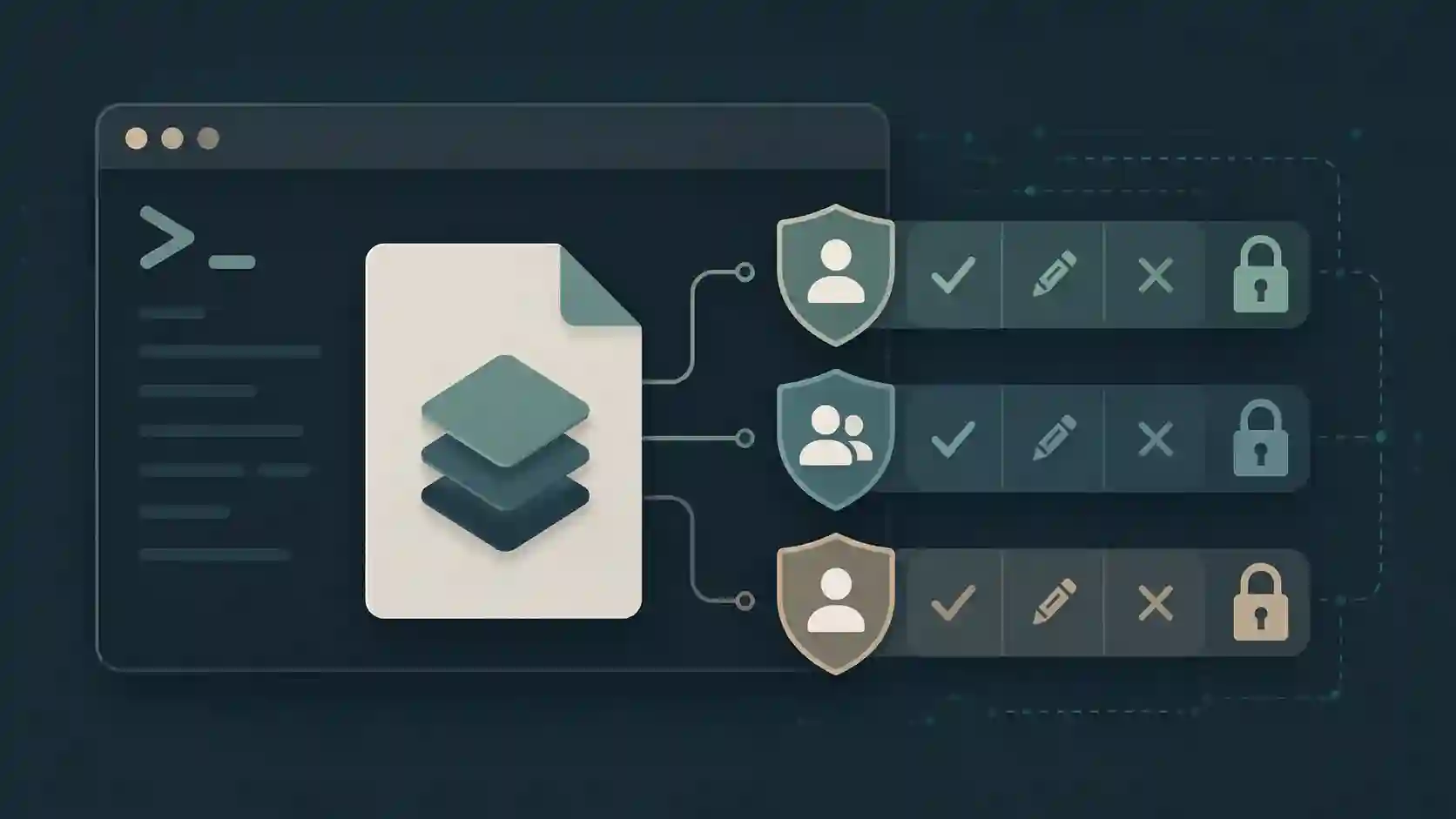
You deploy a new release, the server returns 403 for files that exist and are in the right place. Or worse: nginx reads the file fine but the application can't write to the uploads directory — and the log spits out a generic Permission denied that doesn't tell you exactly what. Linux permissions have a consistent internal logic, but when you don't own the three commands that control them, every problem turns into guesswork.
This post covers chmod, chown and umask with enough depth to reason through any situation, not just memorize the common values. If you want the broader server administration context, Essential Linux commands for working with servers covers day-to-day diagnostics — this one focuses purely on the permission system.
How Linux organizes permissions
Before touching the commands, the mental model:
Every file on Linux has an owner (user), a group, and permissions for others. That's UGO. Each of the three entities can have three permissions: read (r = 4), write (w = 2), execute (x = 1).
$ ls -l /var/www/html/index.php
-rw-r--r-- 1 www-data www-data 1234 Jun 10 14:32 index.php
The string -rw-r--r-- breaks down as:
-→ file type (regular;dwould be directory)rw-→ owner can read and write (4+2=6)r--→ group can only read (4)r--→ others can only read (4)
That's 644 in octal. Owner and group are both www-data.
chmod — changing permissions
Octal notation
Octal notation sets the complete permission set at once. Each digit is the sum of bits for one entity:
| Bits | Value | Meaning |
|---|---|---|
| r-- | 4 | read only |
| rw- | 6 | read and write |
| rwx | 7 | read, write, execute |
| r-x | 5 | read and execute |
| --- | 0 | no permissions |
chmod 644 file.php         # owner: rw-, group: r--, others: r--
chmod 755 directory/       # owner: rwx, group: r-x, others: r-x
chmod 600 .env             # owner: rw-, group: ---, others: ---
chmod 700 scripts/deploy.sh # only the owner can execute and manage
755 for directories and executable scripts, 644 for static files — that's the standard on practically every web server.
Symbolic notation
Symbolic notation is good for incremental adjustments — you don't need to know the current permission to apply a change:
chmod +x script.sh          # add execute for everyone
chmod u+x script.sh         # add execute for owner only
chmod g-w file.txt          # remove write from group
chmod o= file.txt           # remove everything from "others"
chmod u=rw,g=r,o= secret    # set everything at once, no execute for anyone
The syntax is [ugoa][+-=][rwx]. When you use + without specifying an entity, it applies to all (equivalent to a+).
Recursive with care
chmod -R 755 /var/www/html/
Watch out here. chmod -R 755 on a directory will apply 755 to every file inside it — including config files that should be 600. The safer pattern for applying different permissions to files and directories separately is find:
# Directories: 755
find /var/www/html -type d -exec chmod 755 {} \;

# Regular files: 644
find /var/www/html -type f -exec chmod 644 {} \;

# Executable scripts: 755 (only .sh files)
find /var/www/html -name "*.sh" -exec chmod 755 {} \;
SUID, SGID, and sticky bit
These are the three special bits, represented by a fourth octal digit (or prefix):
chmod 4755 program     # SUID: executes with owner's permissions, not executor's
chmod 2755 directory/  # SGID: new files inherit the directory's group
chmod 1755 /tmp        # Sticky bit: only the owner can delete their files
The sticky bit on /tmp is something you already use without thinking: any user can create files there, but only the owner or root can delete them. Without the sticky bit, any user could delete another's files.
SUID on system binaries is normal (/usr/bin/passwd uses SUID so an ordinary user can change their own password without being root). On files you control in production, avoid SUID — it's a privilege escalation vector if the program has a vulnerability.
chown — changing owner and group
chown user file
chown user:group file
chown :group file             # change only the group
chown -R www-data:www-data /var/www/html/
The most common use case on a web server: making sure the nginx/PHP-FPM process can read the application files.
# Typical scenario: manual deploy
sudo chown -R deploy:www-data /var/www/my-app/
sudo chmod -R 750 /var/www/my-app/
sudo chmod -R 644 /var/www/my-app/public/
Owner deploy has full control. Group www-data (web process) can read and enter directories, but not modify. Others: no access.
chown vs chmod — when to use each
The confusion is common: chown changes who the owner is, chmod changes what can be done. In practice, you almost always use both together. chown resolves the "who", chmod resolves the "how much".
If a file has the right permissions but the wrong owner, the correct user still can't do anything. If the owner is right but permissions are too restrictive, the result is the same.
umask — what sets the default permissions
umask is the least intuitive of the three because it operates as a subtraction mask, not an assignment. When you create a file or directory, the system starts from a base permission and subtracts the umask.
- Base for files:
666(no execute by default — execute is added explicitly) - Base for directories:
777
With umask 022 (default on most distros):
| Creation | Base | umask | Result |
|---|---|---|---|
| File | 666 | 022 | 644 |
| Directory | 777 | 022 | 755 |
umask           # shows current value
umask 027       # sets for current session
umask 0027      # with 4-digit notation (leading 0 is the special bit)
Why umask matters in production
In server environments, the default umask affects every file created by processes. If PHP-FPM or Node.js creates an upload file with umask 022, the file ends up as 644 — readable by everyone on the system. If you want uploads readable only by the application process, a umask 027 on the process ensures 640 files by default.
For a deploy user that should only create files readable by the web group:
# In the deploy user's .bashrc or .profile
umask 027
To persist in a systemd service:
[Service]
UMask=0027
Practical server examples
Typical web application setup
# Standard structure for a PHP/Python/Node app in /var/www
sudo mkdir -p /var/www/my-app/{public,storage,logs}

# Owner: deploy (CI/CD user), group: www-data (web process)
sudo chown -R deploy:www-data /var/www/my-app

# Directories: deploy can do everything, www-data can enter and read
sudo chmod 750 /var/www/my-app
sudo find /var/www/my-app -type d -exec chmod 750 {} \;

# Files: deploy reads/writes, www-data only reads
sudo find /var/www/my-app -type f -exec chmod 640 {} \;

# Upload/storage directory: www-data needs write access
sudo chmod 770 /var/www/my-app/storage
sudo chmod 770 /var/www/my-app/logs
Protecting configuration files
# .env should never be readable by other processes
sudo chmod 600 /var/www/my-app/.env
sudo chown deploy:deploy /var/www/my-app/.env
Quick diagnosis for Permission denied
# See permissions and owner of a file
ls -la /path/to/file

# Check which user the web process runs as
ps aux | grep nginx
ps aux | grep php-fpm

# Confirm whether the web user can access the path
sudo -u www-data ls /var/www/my-app/
# If this returns Permission denied, the problem is confirmed
To calculate the right bit combination without mental arithmetic, I use the chmod calculator — you check the bits visually and see the resulting octal right next to it.
Frequently asked questions
What's the practical difference between octal and symbolic chmod?
Octal sets the complete permission set at once — ideal when you know exactly what you want (chmod 644 file). Symbolic makes incremental adjustments without affecting what already exists — ideal when you want to add or remove a specific bit without changing the rest (chmod g+w file). In deploy scripts, octal is safer because the end state is predictable regardless of the previous state.
Why is chmod 777 a security problem?
777 means any user on the system can read, write, and execute the file. On a shared server or one with multiple processes, that means a compromised process (or any user with shell access) can overwrite or execute the file. For upload directories, 777 allows any process to deposit and then execute an arbitrary file — the classic path to privilege escalation. 770 with the correct group solves the same access problem without opening it up to everyone.
How does umask affect server processes like PHP-FPM or Node?
umask is inherited by the child process from the parent. If PHP-FPM starts with umask 022, every file the application creates via fwrite, file_put_contents, or upload will have permission 644. If that's undesirable (uploads only the web process should read), configure UMask=0027 in the systemd unit file — files become 640, directories 750.
sudo chown vs chown — when do you need each?
chown without sudo only works if you own the file and want to change the group to one you're also a member of. Changing the owner of a file to another user always requires root — that's a kernel protection, not a distro policy. In automated deploy scripts, the standard is to have the deploy user already own the files, avoiding the need for sudo chown on every deploy.
Getting permissions right from the start
The most expensive permission mistake isn't the 403 that shows up immediately — it's the file created with the wrong umask that ends up 644 when it should be 640, and you only discover it when someone runs a security audit six months later.
The discipline is setting umask, chown, and chmod when creating the directory structure, validating with ls -la and sudo -u www-data, and documenting. Once configured correctly, the system maintains consistency — it's the wrong default permission that causes the problem to reappear with every new file creation.
- 01 UTF-8 and encoding problems: why accents break and how to fix them What UTF-8 is, code points, mojibake, and why accented text turns to garbage — the mechanism explained end to end.
- 02 MIT, Apache, and GPL Licenses: Practical Differences for Developers MIT, Apache 2.0, and GPL are not the same thing. Understand permissive vs copyleft, patent protection, and compatibility before shipping code to production.