Converting Large CSVs to JSON Without Freezing the Tab
Streams, Web Workers, and a chunking trick that keeps the converter responsive even with 200MB of data.
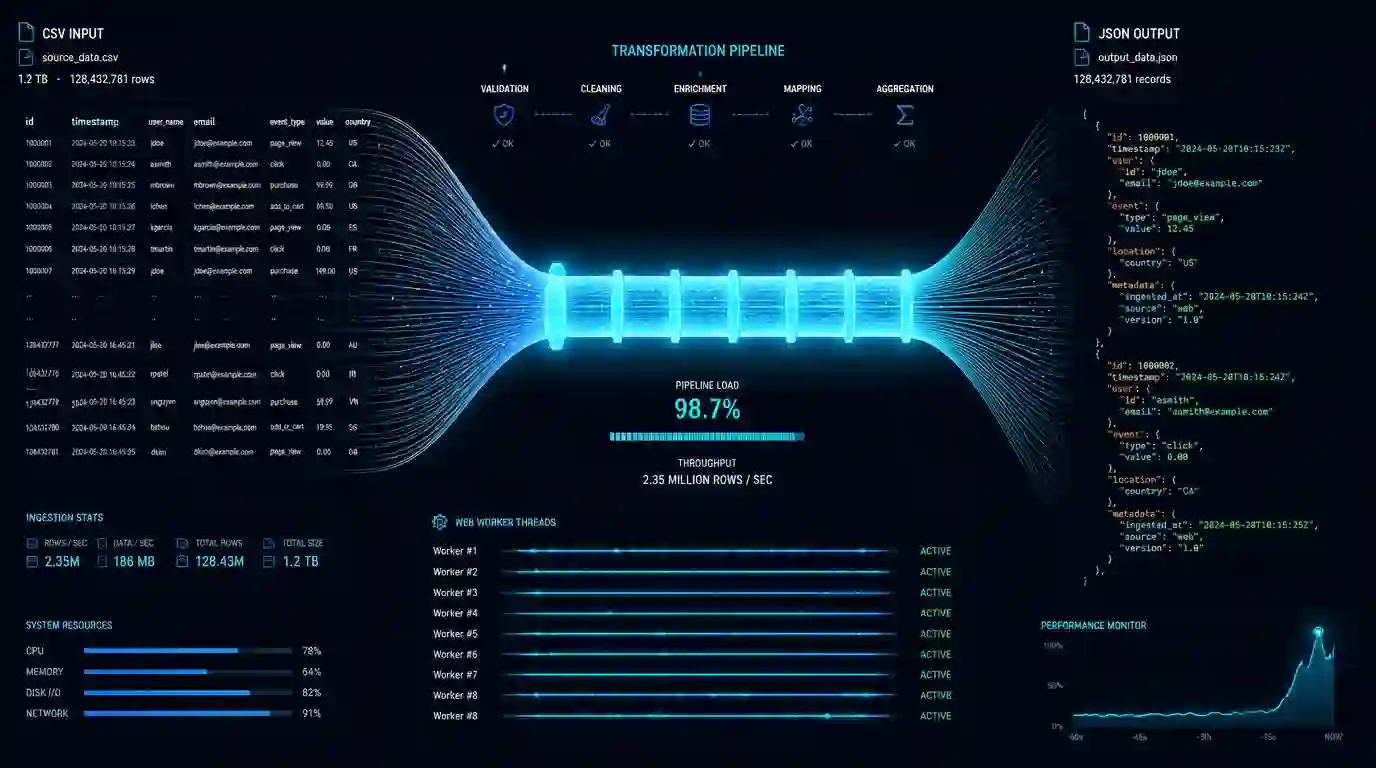
I received a 180MB CSV of financial transaction data and needed to convert it to JSON to process in a pipeline. The first approach froze the tab after about 20 seconds. The second too. The third worked, and that's what I'll describe here.
The problem with naive converters isn't the algorithm — it's blocking the main thread while processing.
Why the tab freezes
When you do FileReader.readAsText(file) and process everything in memory on the main thread, you're competing with the browser's event loop. For large files, this processing takes long enough for the browser to stop responding to inputs and animations.
The solution has two axes: chunking (processing in pieces) and Web Workers (processing off the main thread).
Chunking with FileReader
Instead of reading the entire file at once, read in pieces:
const CHUNK_SIZE = 2 * 1024 * 1024; // 2MB at a time
let offset = 0;

function readNextChunk() {
  const slice = file.slice(offset, offset + CHUNK_SIZE);
  const reader = new FileReader();
  reader.onload = (e) => {
    processChunk(e.target.result);
    offset += CHUNK_SIZE;
    if (offset < file.size) {
      setTimeout(readNextChunk, 0); // yields control to the event loop
    } else {
      finalize();
    }
  };
  reader.readAsText(slice);
}
The setTimeout(readNextChunk, 0) is the trick. It doesn't wait any time — but it yields control to the browser's event loop before processing the next chunk. This keeps the UI responsive.
Moving to a Web Worker
Chunking solves responsiveness, but processing still happens on the main thread. For files above ~50MB, move everything to a Worker:
// main.js
const worker = new Worker('/csv-worker.js');
worker.postMessage({ file }); // File is transferable
worker.onmessage = (e) => {
  if (e.data.type === 'progress') updateProgress(e.data.percent);
  if (e.data.type === 'done') handleResult(e.data.json);
};

// csv-worker.js
self.onmessage = async (e) => {
  const { file } = e.data;
  const text = await file.text();
  const json = parseCSV(text);
  self.postMessage({ type: 'done', json });
};
With this, parsing happens in a separate thread and the main thread never blocks, regardless of file size.
The header problem
Chunking has a side effect: the first line of the CSV (the header with column names) needs to be processed before any data rows. Store the headers from the first chunk and use them to build objects from all subsequent chunks:
let headers = null;

function processChunk(text) {
  const lines = text.split('\n');
  if (!headers) {
    headers = lines.shift().split(',');
  }
  for (const line of lines) {
    if (!line.trim()) continue;
    const values = line.split(',');
    result.push(Object.fromEntries(headers.map((h, i) => [h, values[i]])));
  }
}
Note: this simple parser doesn't handle fields that contain commas within quotes. For CSVs with this pattern, use a library like papaparse, which has native support for streaming and Web Workers.
Quick Tools' CSV to JSON converter
The converter uses exactly this approach: chunking + async processing, with visual progress. For files above 10MB, it automatically moves parsing to a Worker. The result is exportable as formatted or minified JSON.
For sensitive financial data that you don't want to send to a server, this client-side approach is the only correct option.
How to decide between converting everything or streaming
The practical difference between a simple conversion and a streaming conversion appears when the file no longer fits comfortably in memory. For small files, converting CSV to JSON all at once is simpler and sufficient. For large files, the ideal approach is to read line by line, validate each record, and write the output progressively.
Use streaming when the CSV comes from operational exports, financial reports, logs, or integrations with thousands of rows. This model allows detecting errors early, displaying progress, and avoiding freezing the browser or Node process. It also makes it easier to discard invalid rows without losing the entire file.
Validation checklist
Before trusting the final JSON, check encoding, delimiter, duplicate headers, empty columns, and line breaks within quotes. These are the cases that most commonly break naive parsers. Then validate types: numbers as strings, dates in mixed formats, and boolean values written as yes, no, true, false, 1, or 0.
For small files, the CSV to JSON tool quickly handles visual inspection. For recurring pipelines, use the tool to understand the format and then replicate the rule in code with tests covering problematic rows.
- 01 UTF-8 and encoding problems: why accents break and how to fix them What UTF-8 is, code points, mojibake, and why accented text turns to garbage — the mechanism explained end to end.
- 02 MIT, Apache, and GPL Licenses: Practical Differences for Developers MIT, Apache 2.0, and GPL are not the same thing. Understand permissive vs copyleft, patent protection, and compatibility before shipping code to production.