Advanced Markdown: tables, footnotes, and alerts
Aligned tables, footnotes, [!NOTE] alerts, task lists, details, and Mermaid on GitHub: syntax, examples, and where each feature actually works.
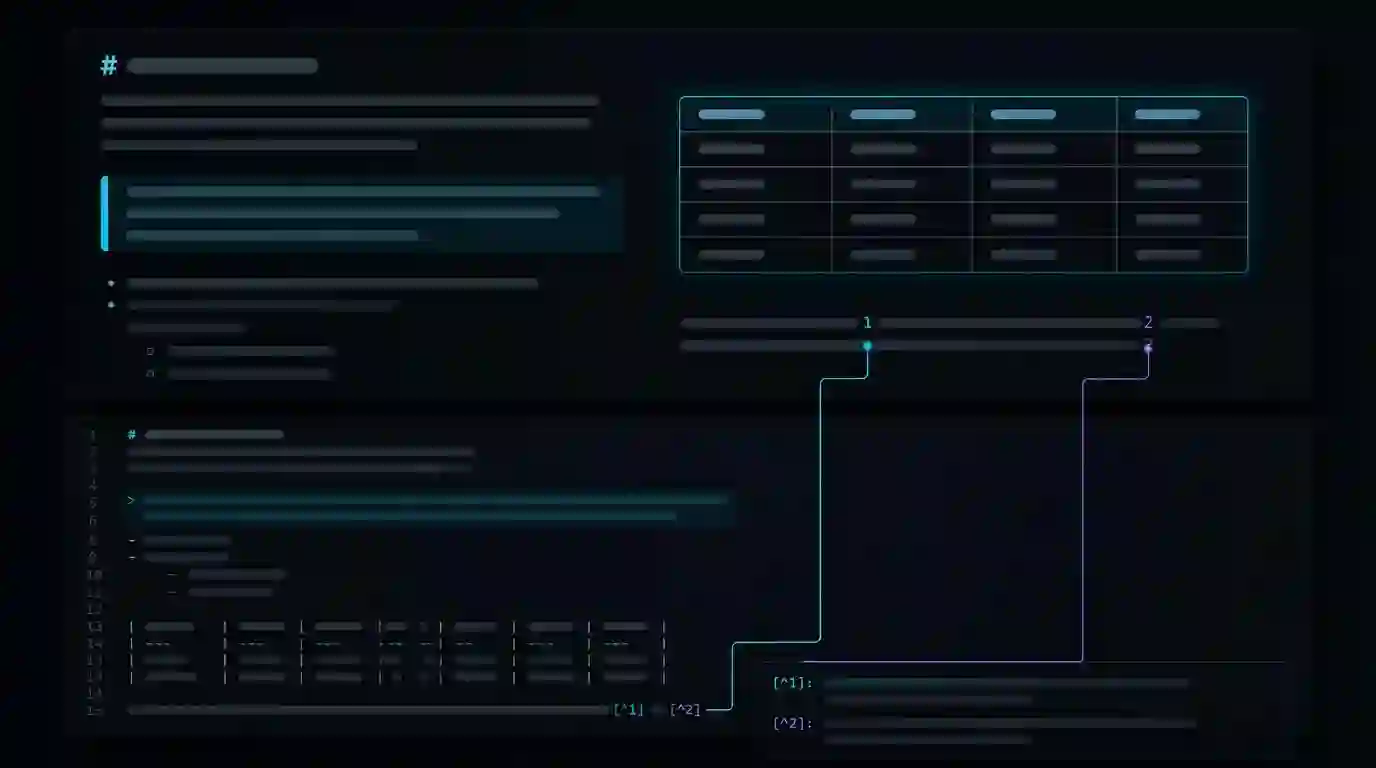
I wrote a careful README, with an important notice highlighted in > [!WARNING], a footnote citing the RFC, and a compatibility table. On GitHub it looked perfect. I pasted the same file into the documentation site generator, and the warning became a blockquote with a literal [!WARNING], the footnote showed up as a raw [^1], and the table survived by luck.
That is what "advanced" Markdown is: features that are not part of basic Markdown and that each renderer implements (or does not) in its own way. This guide covers the syntax for tables, footnotes, alerts, task lists, <details>, Mermaid diagrams, and math, with an example of each and, above all, where each feature works. For the structure of a good README (what goes in it, in what order), the companion piece is how to document projects on GitHub.
CommonMark, GFM, and the rest: why the same file renders differently
Markdown has no single standard. CommonMark specifies the core: headings, emphasis, lists, links, images, code blocks, blockquotes. Tables, task lists, strikethrough, and autolinks are not in it. They come from GitHub Flavored Markdown (GFM), an extension of CommonMark. And some things you use on GitHub (footnotes, alerts, Mermaid, math) are not even in the GFM spec: they are features of the GitHub site, documented in basic writing and formatting syntax.
The summary I wish I had before that README:
| Feature | Syntax | CommonMark | GFM spec | GitHub |
|---|---|---|---|---|
| Table | | a | b | + --- row |
no | yes | yes |
| Task list | - [ ] / - [x] |
no | yes | yes |
| Strikethrough | ~~text~~ |
no | yes | yes |
| Footnote | [^1] + [^1]: text |
no | no | yes (except wikis) |
| Alert | > [!NOTE] |
no | no | yes |
<details> |
HTML | raw HTML | raw HTML | yes |
| Diagram | mermaid block |
no | no | yes |
| Math | $...$, $$...$$ |
no | no | yes (MathJax) |
Outside GitHub, the rule is: check your processor's extension list (Docusaurus, VitePress, MkDocs, Obsidian, your CMS's library) before relying on anything below "strikethrough".
Markdown tables: alignment, pipes, and line breaks
A GFM table is a header row, a delimiter row with at least three hyphens per column, and the data rows. Colons in the delimiter row set the alignment:
| Algorithm | Output (bits) | Practical collision |
|:----------|--------------:|:-------------------:|
| MD5       |           128 |     yes (2004)      |
| SHA-1     |           160 |     yes (2017)      |
| SHA-256   |           256 |         no          |
:--- aligns left, ---: right, and :---: centers. The pipes do not need to line up in the source; lining them up is only for whoever reads the raw file.
Three details that bite:
- A pipe inside a cell needs escaping:
\|. That applies even inside inline code, so the "or" operator becomes`a \|\| b`in the table and renders asa || b. - A line break inside a cell does not exist in plain Markdown. Use
<br>:first line<br>second line. - A code block, list, or paragraph inside a cell does not work. If the cell needs that, the information is not tabular; turn it into sections or a list.
Building a big table by hand is tedious. When the data is already in a CSV, the ASCII table generator outputs a Markdown-style table ready to paste.
Footnotes in Markdown
Footnotes take caveats and references out of the flow of the text:
A signed JWT is not encrypted: anyone can read the payload.[^jwe]

[^jwe]: For encrypted content there is JWE (RFC 7516), which accepts
    symmetric or asymmetric keys.
The label (jwe) is yours; the displayed number is generated in the order the notes appear, and GitHub renders them at the end of the document, no matter where you wrote the definition. To continue a note on another line, indent the following lines. GitHub has supported footnotes since 2021, with one documented exception: GitHub wikis do not support them. Elsewhere they depend on an extension (in markdown-it, for example, the markdown-it-footnote plugin; in marked, marked-footnote).
GitHub alerts: [!NOTE], [!TIP], [!IMPORTANT], [!WARNING], and [!CAUTION]
Alerts (also called callouts or admonitions) are blockquotes whose first line names the type. GitHub has exactly five:
> [!NOTE]
> Useful information readers should notice even when skimming.

> [!TIP]
> A better or easier way to do something.

> [!IMPORTANT]
> What readers need to know to reach their goal.

> [!WARNING]
> Something urgent that needs attention to avoid problems.

> [!CAUTION]
> Risks or negative outcomes of an action.
Each type gets a color and an icon. GitHub's own documentation recommends using at most one or two per document, not placing alerts back to back, and warns that alerts cannot be nested inside other elements (a list, for example). In practice, if everything is an alert, nothing is.
The concept exists in other tools with different syntax. In Obsidian, the form is similar (> [!info], > [!warning], with more types and custom titles). In MkDocs with the admonition extension, it is !!! note followed by indented content. In Docusaurus, :::note and :::. A file written for one does not render the alert in another; the reader sees a plain blockquote with the marker as text, which is what happened to my README.
Task lists, details, Mermaid, and math
Task lists are part of GFM. In GitHub issues and pull requests the boxes are clickable; in a repository .md file they show as checked or unchecked, with no interaction:
- [x] Migrate the database
- [ ] Update the changelog
<details> is plain HTML, but GitHub renders it, and it solves the giant-log-in-the-middle-of-an-issue problem. Leave a blank line after <summary> so the Markdown inside is processed:
<details>
<summary>Full stack trace</summary>

**Markdown** content in here.

</details>
Mermaid diagrams go in a code block with the mermaid language, and GitHub draws the diagram in place of the code:
```mermaid
flowchart LR
  A[Push] --> B[CI] --> C{Tests pass?}
  C -- yes --> D[Deploy]
  C -- no --> E[Alert]
```
Math uses $...$ inline and $$...$$ for blocks, rendered by MathJax on GitHub. When the expression contains characters that clash with Markdown, the documentation suggests the $`...`$ form, and a ```math block needs no dollar signs.
These last three are the least portable on the list. In static site generators, Mermaid and math almost always need a plugin; without it, the reader sees the diagram source and the dollar signs.
Line highlighting, reference links, and anchors
Line highlighting in code blocks (```js {2,4-5}) shows up in plenty of tutorials, but **it is neither Markdown nor GitHub**: it is an extension of generators like Docusaurus and VitePress, or of highlighting libraries like Shiki and rehype-pretty-code. On GitHub, only the first word after the backticks counts as the language, and {2,4-5} is simply ignored. To show what changed between two versions of some code on GitHub, use a diff block, which works anywhere with highlighting:
- const data = JSON.parse(atob(payload));
+ const data = JSON.parse(atob(payload.replace(/-/g, '+').replace(/_/g, '/')));
Reference links are part of CommonMark and work in any renderer. They keep the text readable and centralize URLs:
See the [GFM spec][gfm] and [CommonMark][cm].

[gfm]: https://github.github.com/gfm/
[cm]: https://commonmark.org/
Heading anchors: GitHub generates an id for each heading (lowercase, spaces become hyphens, most punctuation is dropped), so ## Quick install becomes linkable with [install](#quick-install). Other generators use different slug rules, and accented characters are where they diverge most; test the link in the final renderer.
How to test before publishing
The test that counts is rendering in the same place where the file will be read. For GitHub, the "Preview" tab when editing the file on the site itself is the reference. For everything else, your site's processor.
To draft and review the portable part (tables, task lists, strikethrough, highlighted code), I use the site's Markdown editor, which runs the marked library with GFM enabled. It does not implement GitHub-specific extensions: footnotes, [!NOTE] alerts, Mermaid, and math show up as text or as a plain code block, which, incidentally, is exactly what a reader outside GitHub would see. Another difference: the editor treats a single line break as <br>, while in a GitHub .md file a single break joins the lines into the same paragraph. If the destination is HTML, the Markdown to HTML converter shows the generated HTML.
Finally, a linter like markdownlint catches what the eye misses: skipped heading levels, lists with mixed markers, code blocks without a language. Heading hierarchy matters beyond looks, too, as the post on semantic HTML shows.
Frequently asked questions
How do I make a table in Markdown?
Write a header row with columns separated by |, then a row with --- for each column, then the data rows. Use :---, ---:, or :---: in the second row to align left, right, or center. A pipe inside a cell needs \|.
How do I add a footnote in Markdown?
Put [^label] at the point in the text and, anywhere in the file, [^label]: note text. GitHub numbers the notes and moves them to the end of the document. Outside GitHub, confirm your renderer has a footnote extension; GitHub wikis do not support them.
Why does my [!NOTE] show up as text?
Because alerts are a GitHub feature, not part of standard Markdown or the GFM spec. In another renderer the block becomes a plain blockquote with a literal [!NOTE]. It also fails if the alert is nested inside another element, such as a list.
Does Markdown support text color?
No. Markdown has no color syntax, and GitHub strips style attributes from any HTML you write. To draw attention, use alerts on GitHub or emphasis (**bold**); in other renderers, only if HTML with style is allowed.
Use the feature the destination understands
Tables, task lists, and strikethrough are GFM and work almost everywhere. Footnotes, [!NOTE] alerts, Mermaid, and math are features of GitHub and specific tools; outside them, they become raw text. Before you write, know where the file will be read, use at most one or two alerts per document, and test the result in the final renderer, not in whatever editor you have open.
- 01 MIT, Apache, and GPL Licenses: Practical Differences for Developers MIT, Apache 2.0, and GPL are not the same thing. Understand permissive vs copyleft, patent protection, and compatibility before shipping code to production.
- 02 CPU Cores vs. Threads: What Actually Changes in Practice Understand the difference between CPU cores and threads and what actually changes for performance, multitasking, gaming, and development.