Object Storage: What It Is, How It Works, and When to Use It
Understand how object storage works, when to use it, and the common mistakes that blow up your cloud bill.
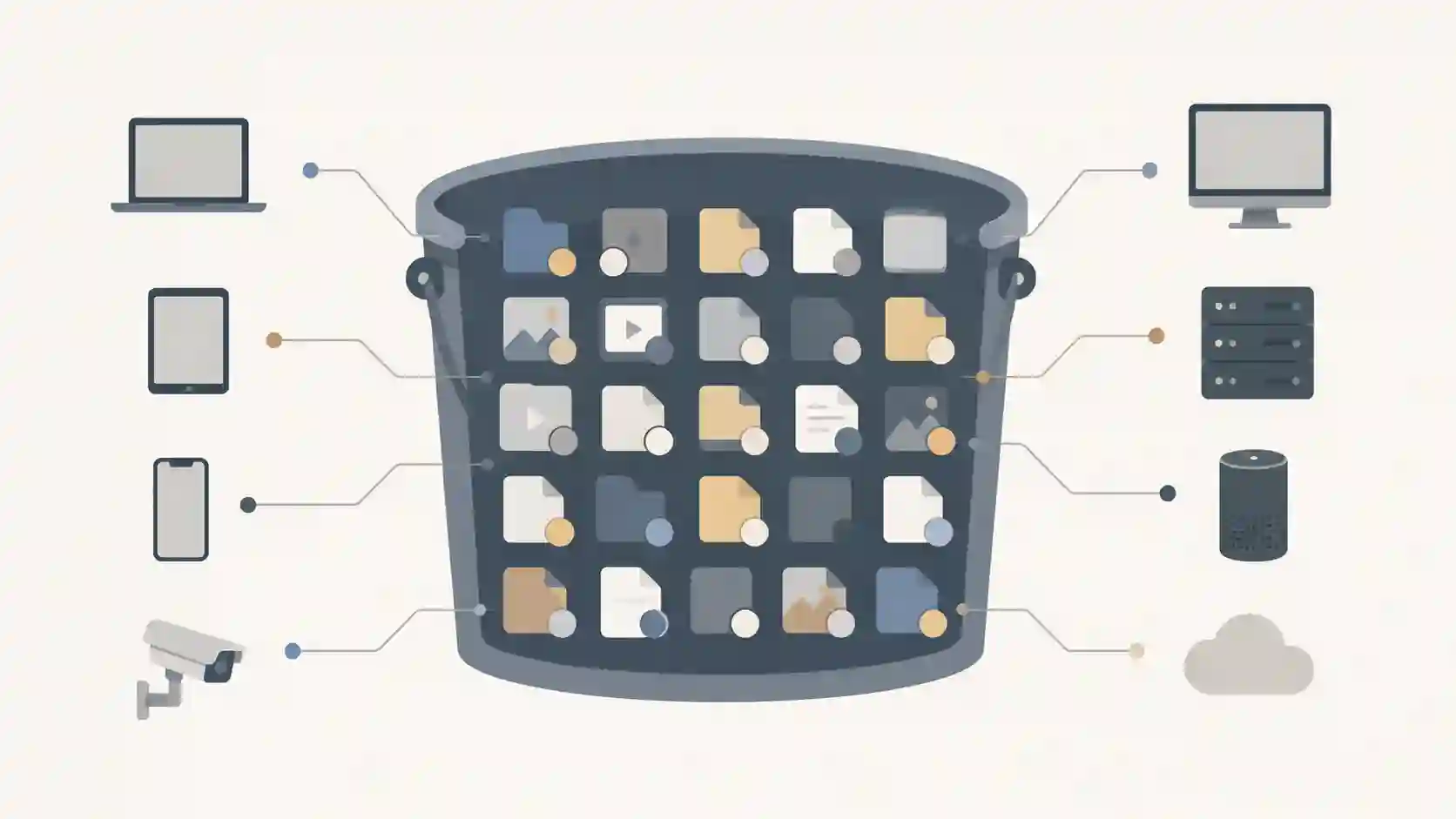
You shipped your app to the cloud, traffic grew, and suddenly the VM's disk is packed with user uploads: profile photos, PDFs, videos. The obvious fix looks like "make the disk bigger." But that path bills you hard: the disk is tied to a single instance, scaling means stopping the machine, and backing up millions of tiny files becomes a nightmare. This is precisely the problem object storage solves — and why it became the default way to keep files in the cloud, from an avatar upload to a petabyte of logs.
What object storage actually is
Object storage keeps data as independent objects instead of blocks on a disk or files in a folder tree. Each object bundles three things together:
- The data itself (the file's content: the image, the video, the JSON);
- Rich metadata (content type, date, and any key/value you want to attach —
owner_id,processed=true, etc.); - A unique identifier that acts as the address to retrieve that object.
The analogy that clicks fastest is the valet parking one: you hand over the car (the object), get a ticket (the key), and never need to know which spot it went to. The system handles that. You just present the ticket when you want the car back.
Objects live inside buckets — logical containers that group data. And here's the detail that trips people up: inside a bucket there are no real folders. The namespace is flat. When you see photos/2026/profile.jpg, that's just the object's key — a string with slashes that the UI displays as if it were a directory. There's no real hierarchy underneath.
How access works: it's all HTTP
The big shift with object storage is that you don't mount a disk or open a file through the operating system. You talk to an HTTP API, almost always compatible with the S3 protocol (created by Amazon and adopted as the industry's de facto standard). Saving and reading an object becomes a request:
PUT  /my-bucket/photos/profile.jpg     → store the object
GET  /my-bucket/photos/profile.jpg     → read the object
DELETE /my-bucket/photos/profile.jpg   → delete the object
In practice you use an SDK instead of crafting the request by hand. In Node, for example:
import { S3Client, PutObjectCommand } from "@aws-sdk/client-s3";

const s3 = new S3Client({ region: "us-east-1" });

await s3.send(new PutObjectCommand({
  Bucket: "my-bucket",
  Key: "photos/profile.jpg",
  Body: fileBuffer,
  ContentType: "image/jpeg",
  Metadata: { ownerId: "42" },
}));
Because everything is HTTP, the same object can be served straight to the browser, distributed by a CDN, or accessed from anywhere on earth without mounting any volume. That property — access by URL — is what makes object storage perfect for static content.
Object storage vs block storage: the difference that changes everything
This is the number-one question for beginners. The mental rule is short:
| Object storage | Block storage | |
|---|---|---|
| Unit | Object + metadata + key | Fixed-size blocks |
| Access | HTTP API (S3) | Disk mounted by the OS |
| Scale | Practically unlimited | Limited to the volume |
| Latency | Higher | Very low |
| Typical use | Files, backup, media, web | Databases, VM disks |
Block storage is the machine's "hard drive": the OS sees a disk, reads and writes blocks, and that's great for databases and low-latency random read/write. But it stays bound to one instance and doesn't scale on its own.
Object storage trades latency for scale and durability. You wouldn't run your Postgres data file on top of it, but it's unbeatable for sheer volume — petabytes of unstructured files, accessed over HTTP, with extremely high durability (providers typically advertise "eleven nines," 99.999999999%, by replicating each object across many machines).
The choice between object storage and the cloud models it runs on deserves a wider lens; if you're designing architecture, it's worth also reading about public, private and hybrid cloud to decide where this storage should live, not just which type to use.
When to use object storage
Use it when the data is unstructured, large in volume, and read more than randomly written. The classic cases:
- User uploads: avatars, attachments, documents. Pulling files off the app's disk makes the application stateless — you can scale instances without worrying about which one stored what.
- Static content for the web: images, CSS, JS, videos served via CDN.
- Backups and archiving: database dumps, snapshots, old logs. Many providers offer "cold" classes (rare access) that are far cheaper per GB.
- Data lake / analytics: dump millions of Parquet/JSON files to process later.
When NOT to use it: if you need low per-operation latency, random writes inside the file, or to mount it as a system disk — stick with block storage. Object storage can't edit "a chunk" of an object; to change 1 byte you rewrite the entire object.
Common mistakes that cost real money
People coming from a file system trip over the same points every time:
- Treating object storage like a database. Listing objects is slow and expensive; a
LISTover a bucket with millions of keys is not aSELECT ... WHERE. Keep searchable metadata in your database and use object storage only for the blob. - An accidentally public bucket. The most common data leak of the past decade was an exposed S3 bucket. By default, keep everything private and generate pre-signed URLs (temporary, signed links with an expiry) when you need to grant one-off access.
- Forgetting egress cost. Storing is cheap; downloading is usually what weighs on the bill. Serve via CDN and enable caching.
- Renaming files thinking it's free. There is no "rename" — it's a copy to the new key plus a delete of the old one. In bulk, that becomes cost and time.
- No versioning or lifecycle. Enable versioning to protect against accidental deletion, and set lifecycle rules to move old data to cheap classes or delete it automatically.
Frequently asked questions
What's the difference between object storage and block storage? Block storage delivers blocks to a disk mounted by the operating system, with very low latency — ideal for databases and VM disks. Object storage delivers whole objects over an HTTP API, with practically unlimited scale and extremely high durability — ideal for files, backup and media. In one sentence: block for transactional performance, object for volume and scale.
When should I use object storage? Whenever the data is unstructured and high in volume: user uploads, static web content, backups, logs and data lakes. Moving files off the app's disk is also what makes your app stateless and easy to scale horizontally.
Is object storage the same as S3? Not exactly. S3 is Amazon's service, but its protocol became the de facto standard — nearly every provider (Google, Azure, Backblaze, Cloudflare R2, MinIO, and others) offers an "S3-compatible" API. In practice you code against the S3 API and just swap the endpoint per provider.
Can I edit part of an object?
No. Objects are immutable for partial edits: changing anything means rewriting the whole object with PUT. That's why it's a bad fit for data under constant random writes, like a database file.
What to take from this guide
Object storage isn't "a cheaper disk" — it's a different model: data becomes objects with a key and metadata, accessed over HTTP, with scale and durability a mounted disk can't reach. Use it for files, media, backups and anything unstructured in volume; leave databases and low latency to block storage. And remember the three habits that separate those who use it well from those who get burned on the bill or the breach: private bucket by default with pre-signed URLs, active lifecycle rules, and searchable metadata in your database — not in the bucket's LIST.
- 01 UTF-8 and encoding problems: why accents break and how to fix them What UTF-8 is, code points, mojibake, and why accented text turns to garbage — the mechanism explained end to end.
- 02 MIT, Apache, and GPL Licenses: Practical Differences for Developers MIT, Apache 2.0, and GPL are not the same thing. Understand permissive vs copyleft, patent protection, and compatibility before shipping code to production.