Three Cron Expression Mistakes That Only Surface in Production
Implicit timezone, logical OR on weekday, and months without day 31 — three syntactically valid cron expressions that silently fail in production.
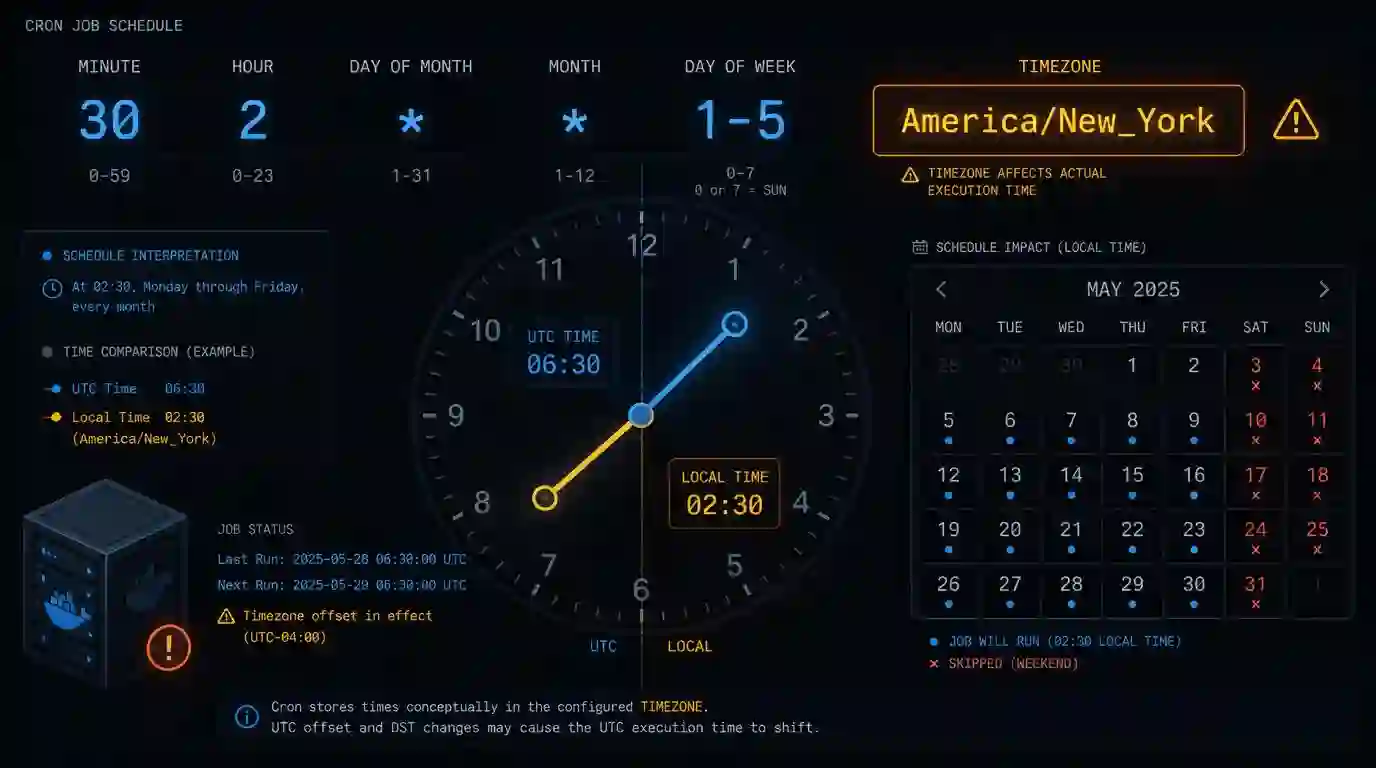
The job ran in staging, ran on my Mac, ran the first time in production. Then it stopped. Not with an error — it simply stopped running. It was a monthly cron. It took four weeks to notice.
These are the three mistakes I made (or saw someone make) with cron expressions — all syntactically valid, all silent.
Mistake 1: implicit timezone
0 8 * * *
This job should run every day at 8am. In which timezone? Depends on where it's running.
On the development server: local time, all good. In the production container on AWS: UTC. Result: the job ran at 5am in summer and 4am in winter, because the server was in UTC and the team expected 8am Brasília time.
The cron itself is correct. The problem is assuming that "8am" means something without defining the context. In distributed systems with containers, the server timezone is almost always UTC — and if you're in BRT (UTC-3), 0 8 * * * in UTC is 0 5 * * * local time.
The solution depends on the platform. On Linux with crontab, you can define the variable before the expression:
CRON_TZ=America/Sao_Paulo
0 8 * * *
On Kubernetes CronJob:
spec:
  schedule: "0 8 * * *"
  timeZone: "America/Sao_Paulo"
On GitHub Actions there's no native timezone field — you write in UTC and do the math. If you want to run at 8am BRT, it's 0 11 * * * in summer (BRT = UTC-3) and 0 10 * * * in Brasília summer time (BRST = UTC-2). Choose one and document it.
Mistake 2: the fifth field isn't what you think
0 0 * * 7
Sunday at midnight — or not. In some implementations, 7 is Sunday. In others, only 0 is Sunday, and 7 is invalid or interpreted as Monday. The POSIX standard defines 0–6 (Sunday to Saturday). Vixie cron accepts both 0 and 7 for Sunday. But not every cron daemon is Vixie cron.
The same problem appears with the month field when you combine day-of-month with day-of-week:
0 0 1 * 1
The intent was probably "every 1st of the month, on Mondays". But the real semantics is "on Mondays OR on the 1st of the month" — it's a logical OR, not an AND. If you want the job only when both conditions are true, cron doesn't solve this directly; you put the check inside the script.
Mistake 3: monthly jobs with non-existent days
0 9 31 * *
February doesn't have day 31. April, June, September, and November don't either. This job will skip four or five months per year with no warning. It won't fail — it simply won't run.
The same applies to 0 9 29 2 * in non-leap years.
If you need consistent monthly execution, 1 is the safest day — it exists in every month. If you need the last day of the month, standard cron has no native support; you use 28 (conservative) or implement it via script:
# Run only if today is the last day of the month
[ "$(date +%d)" = "$(cal | awk '/[0-9]/{last=$NF} END{print last}')" ] && ./my-job.sh
Validating before deploying
The three mistakes above have in common that no linter catches them — the expression is valid. The only way to confirm the job will run when you expect it to is to see the next N executions before going to production.
For this I use the Cron Expression Generator — you paste the expression and immediately see the next executions with full date and time. Especially useful for monthly jobs, weekly jobs on specific days, and any expression with non-trivial fields. Ten seconds of checking saves four weeks of "why didn't this job run?"
The problem isn't the syntax
Cron expression is one of the few technologies where being syntactically correct doesn't mean being correct. The parser accepts anything between 0 and 59 in the first field — it has no way of knowing you wanted UTC-3 or that February doesn't have 31 days.
The discipline is always the same: write the expression, confirm the next executions, and document the expected timezone alongside the job. It's tedious. It's the kind of thing you do once, forget, and remember when the monthly report didn't arrive.
- 01 UTF-8 and encoding problems: why accents break and how to fix them What UTF-8 is, code points, mojibake, and why accented text turns to garbage — the mechanism explained end to end.
- 02 MIT, Apache, and GPL Licenses: Practical Differences for Developers MIT, Apache 2.0, and GPL are not the same thing. Understand permissive vs copyleft, patent protection, and compatibility before shipping code to production.