Base64 vs Hex: When Each Encoding Makes Sense
Same bytes, two encodings. Size comparison, readability, and where each one shines — with real examples.
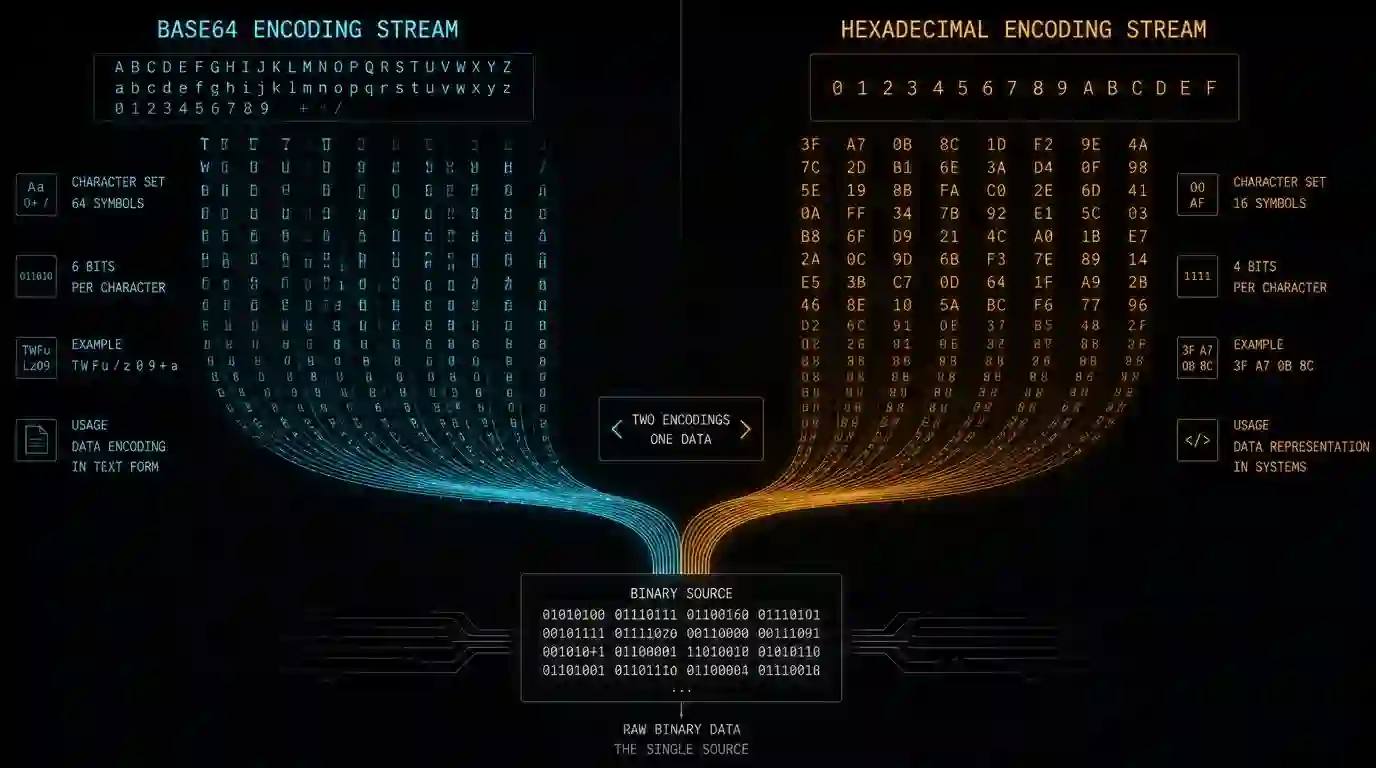
In a token generation project, I had to choose between Base64 and Hex to store 32 random bytes. It seems trivial until you remember that this decision affects column size, database comparisons, and how the data appears in logs. This post is what I needed before making that decision.
Both encodings represent the same bytes — the difference is the alphabet used and the space they occupy.
What each one does
Hex uses 16 characters (0-9, a-f). Each byte becomes two chars. 32 bytes → 64 chars.
Base64 uses 64 characters (letters, digits, +, /). Every 3 bytes become 4 chars, with = padding when needed. 32 bytes → 44 chars (including up to 2 padding chars).
32 random bytes:
Hex:    a3f2bc...  (64 chars)
Base64: o/K8...    (44 chars, ~33% smaller)
When to use each one
Use Hex when:
- The value will appear directly in logs or URLs (more readable)
- You need to compare prefixes (session tokens that start with a certain pattern)
- Your language/database handles hex natively (
decode('...', 'hex')in PostgreSQL, for example) - You're debugging and want to read the value without an extra tool
Use Base64 when:
- Size matters (APIs, cookies, HTTP headers have limits)
- You're encoding arbitrary binary data (images, files) in JSON or HTML
- The receiving system already expects Base64 (JWTs, for example, use Base64URL)
Base64URL: the variant you'll find in JWT
Standard Base64 uses + and /, which have special meaning in URLs. Base64URL replaces + with - and / with _, and removes the = padding. This makes the value safe for URLs and HTTP headers without additional encoding.
// Standard Base64
btoa(String.fromCharCode(...bytes))  // may contain +, /, =

// Base64URL (what JWT uses)
btoa(String.fromCharCode(...bytes))
  .replace(/\+/g, '-')
  .replace(/\//g, '_')
  .replace(/=/g, '')
The Quick Tools Base64 Encoder supports both variants.
In practice: session tokens
For 32-byte session tokens:
| Format | Size | URL-safe | Readable in logs |
|---|---|---|---|
| Hex | 64 chars | Yes | Yes |
| Base64 | 44 chars | No (has +, /, =) |
Reasonable |
| Base64URL | 43 chars | Yes | Reasonable |
For storing in a cookie or authorization header: Base64URL. For logging in plain text and debugging: Hex. For storing in a database as text: both work, but Hex is easier to filter and index in SQL.
The decision isn't irreversible, but it's annoying to change
Once you choose an encoding for a production token, changing it means migrating all existing tokens. Validate the choice based on where the value will be used most frequently, not just where it's generated.
Practical checklist: Base64 or Hex?
Use Hex when the value needs to be inspected by humans, compared in logs, or copied between development systems. SHA hashes, checksums, short binary IDs, and byte dumps are more predictable in hex because each byte becomes exactly two characters. This makes it easier to review differences, count size, and find prefixes.
Use Base64 when the goal is to transport bytes with less overhead. Small images embedded in JSON, API payloads, attachments, and tokens are generally more compact in Base64 than in hex. The trade-off is readability: Base64 is better for machines, hex is better for humans.
A simple rule: if someone will debug by looking at the string, prefer hex. If the string only needs to travel through a text channel with less size, prefer Base64. Before standardizing, test round-trips with real data in the Base64 Encoder and also validate the decode to avoid issues with charset, padding, or line breaks.
Frequently asked questions
Is Base64 encryption?
No. Base64 is only encoding. Anyone can decode the content without a key. Don't use Base64 to hide secrets, passwords, or sensitive tokens.
Does Hex increase size more?
Yes. Hex doubles the size of the original bytes. Base64 typically adds about 33%, which is why it's more common for transporting files and larger payloads.
Common pitfall
The most common mistake is choosing the format by appearance, not by use. Base64 looks more compact, but is bad for manual inspection. Hex looks larger, but is excellent for comparing bytes and hashes. In technical documentation, always show an input and output example so other people know exactly which encoding to expect.
- 01 UTF-8 and encoding problems: why accents break and how to fix them What UTF-8 is, code points, mojibake, and why accented text turns to garbage — the mechanism explained end to end.
- 02 MIT, Apache, and GPL Licenses: Practical Differences for Developers MIT, Apache 2.0, and GPL are not the same thing. Understand permissive vs copyleft, patent protection, and compatibility before shipping code to production.