How to Contribute to Open Source for the First Time: From Good First Issue to Pull Request
A hands-on guide to your first pull request: how to pick projects, find good first issues, and open a PR that gets merged.
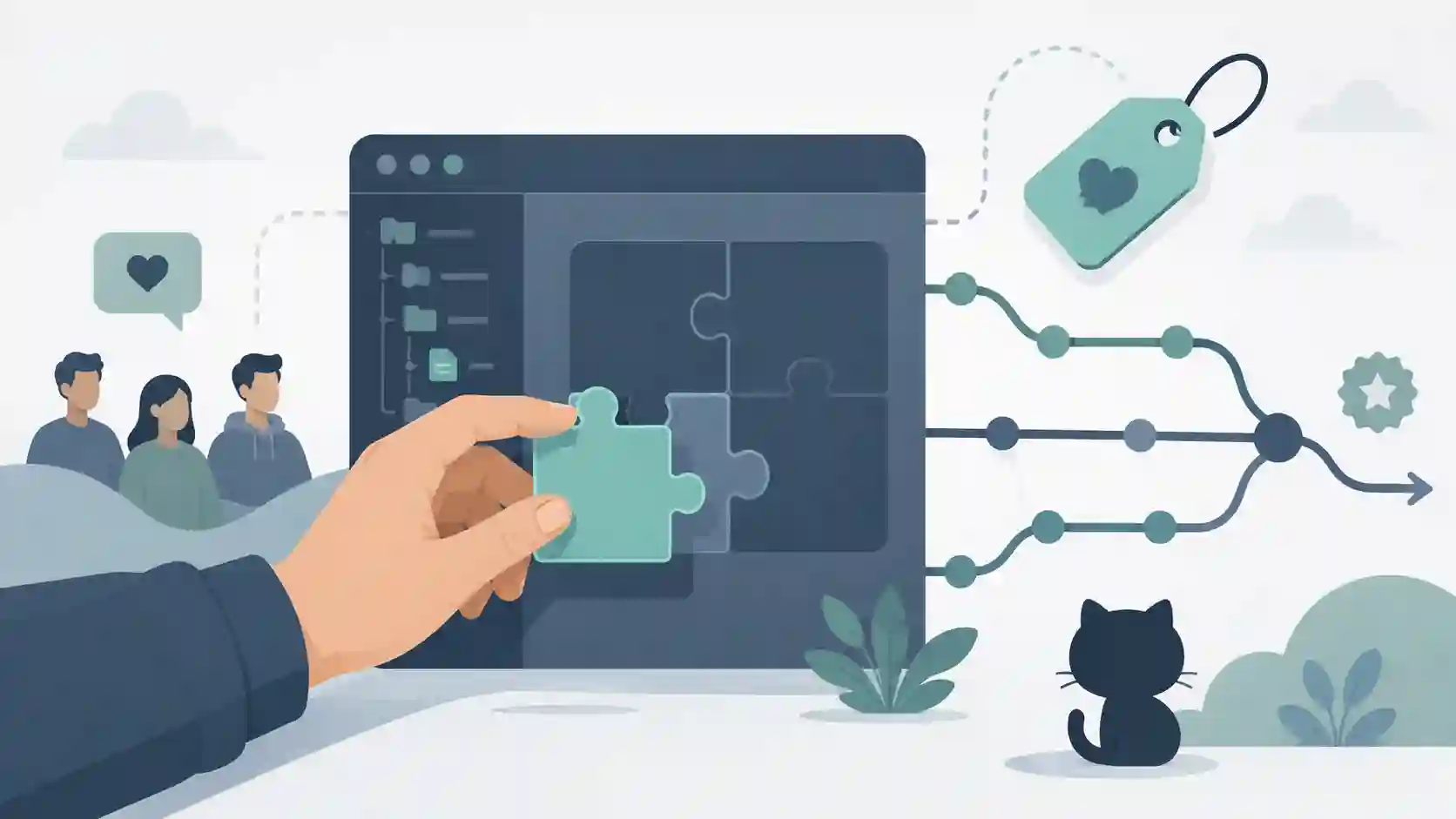
You open the issues tab of a project you admire, read three lines of a discussion about internal architecture, watch a dozen maintainers trade references you don't recognize, and close the tab. "Once I know more, I'll contribute." That "once I know more" never arrives — because the feeling of not being ready doesn't disappear through more solo studying, it disappears with your first accepted contribution. The good news: the entry barrier to open source is far lower than that scene suggests. Most first contributions aren't complex code. They're documentation, a typo, a missing test, a translation. This guide walks the concrete path from zero to your first merged pull request, with no romanticism and no steps nobody actually does in practice.
Before any code: pick the right project
The number one beginner mistake is aiming too high. You want to contribute to React, Kubernetes, or Linux because those are the names you know — and that's exactly why they're the worst places to start. Giant projects have heavy processes, thousands of open issues, and maintainers with no time for hand-holding.
Practical criteria for a good first project:
- You already use it. Contributing to a tool that's part of your daily workflow means you understand the problem without studying the domain from scratch.
- It's active but not massive. Check the date of the last commit and the last merged PRs. A project answering PRs within the past two weeks is a green flag.
- It has a
CONTRIBUTING.md. That file in the root means the maintainer has thought about the path for outsiders. - It has issues marked as approachable. This is where the single most useful filter comes in.
If the idea of open source software is still fuzzy — why companies pay people to maintain code they give away for free, how the license changes what you're allowed to do — it's worth reading what open source software is first, which covers the conceptual side. Here the focus is purely hands-on.
Where to find your first issue
The good first issue label is the universal convention for tasks a maintainer considers solvable by an outsider, without deep project context. The help wanted label is the next step up: tasks the team wants help with, but not necessarily trivial.
You don't have to hunt repo by repo. There are aggregators that list these issues filtered by language:
- goodfirstissue.dev and goodfirstissues.com — list open issues with the label, filterable by stack.
- CodeTriage — you subscribe to projects and get one issue per day by email.
- GitHub search itself:
label:"good first issue" language:python state:open.
A tip that saves frustration: before claiming an issue, check that it doesn't already have someone commenting "I'm working on this" or a linked PR. Grabbing an issue that's already in progress is the fastest way to have your work discarded.
The technical flow, step by step
GitHub's standard model is fork → branch → PR. You don't have write access to the original repository, so you work on your own copy (the fork) and ask for your changes to be pulled back in (the pull request).
# 1. Fork via the GitHub UI ("Fork" button), then clone YOUR fork
git clone https://github.com/YOUR-USERNAME/project.git
cd project

# 2. Add the original repo as "upstream" so you can sync later
git remote add upstream https://github.com/ORIGINAL-ORG/project.git

# 3. Create a descriptive branch — never work on main
git checkout -b fix/broken-readme-link

# 4. Make the change, then a clear commit
git add .
git commit -m "docs: fix broken link in installation section"

# 5. Push the branch to YOUR fork
git push origin fix/broken-readme-link
After the push, GitHub shows a "Compare & pull request" banner. Click it to open the PR against the original repository.
A detail many people skip, which causes rework: run the tests and the linter before opening the PR. Nearly every project has a command like npm test, pytest, or make lint. If the project's CI fails your PR over a formatting detail you could have caught locally, you've only added noise to the maintainer's queue.
How to write a pull request that gets accepted
Code is half the work. The other half is making the maintainer understand, in thirty seconds, what you changed and why. A PR that opens a smooth review has three parts:
- A title in the project's style. Many use Conventional Commits (
fix:,docs:,feat:). Look at past PRs and mirror the style. - A description that links to the issue. Write
Closes #123to link it automatically. Explain what changed and, if relevant, how you tested it. - A small scope. One PR solves one thing. Don't take the trip to also refactor three neighboring files — that turns a five-minute review into an hour-long one and tanks your chance of a merge.
Example of a description that works:
## What changes
Fixes the link in the "Installation" section of the README, which
pointed to a 404 page after the docs migration.

## How I tested
Clicked the link rendered in the GitHub preview and confirmed it now
opens the correct page.

Closes #482
When the review comes — and it will, with change requests — treat it as a normal part of the process, not as rejection. Review exists to keep quality up, not to judge you. Respond to comments, apply fixes as new commits on the same branch (the PR updates itself), and stay brief and polite. Maintainers are, overwhelmingly, volunteers donating their free time.
Contribution isn't only code
If touching someone else's code still feels intimidating, start where the barrier is near zero and the value is real:
- Documentation. READMEs with outdated instructions, examples that no longer run, confusing sections. You just lived through the pain of not understanding it — fix it for the next person.
- Translation. Many projects want docs in other languages and have no one to do it.
- Reproducing and detailing bugs. Taking a vague issue, reproducing the problem, and adding exact steps is a contribution maintainers love.
- Tests. Adding a missing test case covers a real gap and teaches you the codebase in the process.
These contributions count exactly the same in your GitHub history and are often the gateway to code issues in the same project.
Frequently asked questions
How do I start contributing to open source as a beginner?
Pick a project you already use, look for issues labeled good first issue, read the CONTRIBUTING.md, and start with documentation or a simple bug. Don't try to contribute to giants like React or Linux right away — they have heavy processes and little room for hand-holding.
Do I need to be good at programming to contribute?
Not for your first contribution. Documentation, translation, bug reproduction, and typo fixes are legitimate contributions that require no code. They build familiarity with the project and open the way to technical tasks later.
What is a "good first issue"?
It's a label maintainers apply to tasks considered solvable by an outsider, without deep project knowledge. It's the starting point designed specifically for newcomers. The help wanted label is the next level up.
What if my pull request gets rejected?
Outright rejection is rare; the common case is the maintainer requesting changes. Treat that as a conversation, not a verdict. Apply the requested fixes, respond to comments, and update the branch. If the PR is closed anyway, ask why politely — it's almost always a matter of scope or someone else already handling it.
What to take from this guide
The difference between someone who spends years saying "someday I'll contribute" and someone with ten merged PRs isn't talent — it's having done the first one. Pick a project you use, grab a good first issue, open a small, well-described PR, and absorb the review without taking it personally. The first merge changes your relationship with any open source software: you stop seeing these projects as black boxes maintained by unreachable geniuses and start seeing code you can touch too.
- 01 UTF-8 and encoding problems: why accents break and how to fix them What UTF-8 is, code points, mojibake, and why accented text turns to garbage — the mechanism explained end to end.
- 02 MIT, Apache, and GPL Licenses: Practical Differences for Developers MIT, Apache 2.0, and GPL are not the same thing. Understand permissive vs copyleft, patent protection, and compatibility before shipping code to production.