Two-Factor Authentication: SMS, App or Hardware Key — Which to Choose
SMS, authenticator app or hardware key: what each 2FA method protects against, what it doesn't, and which to use on which account.
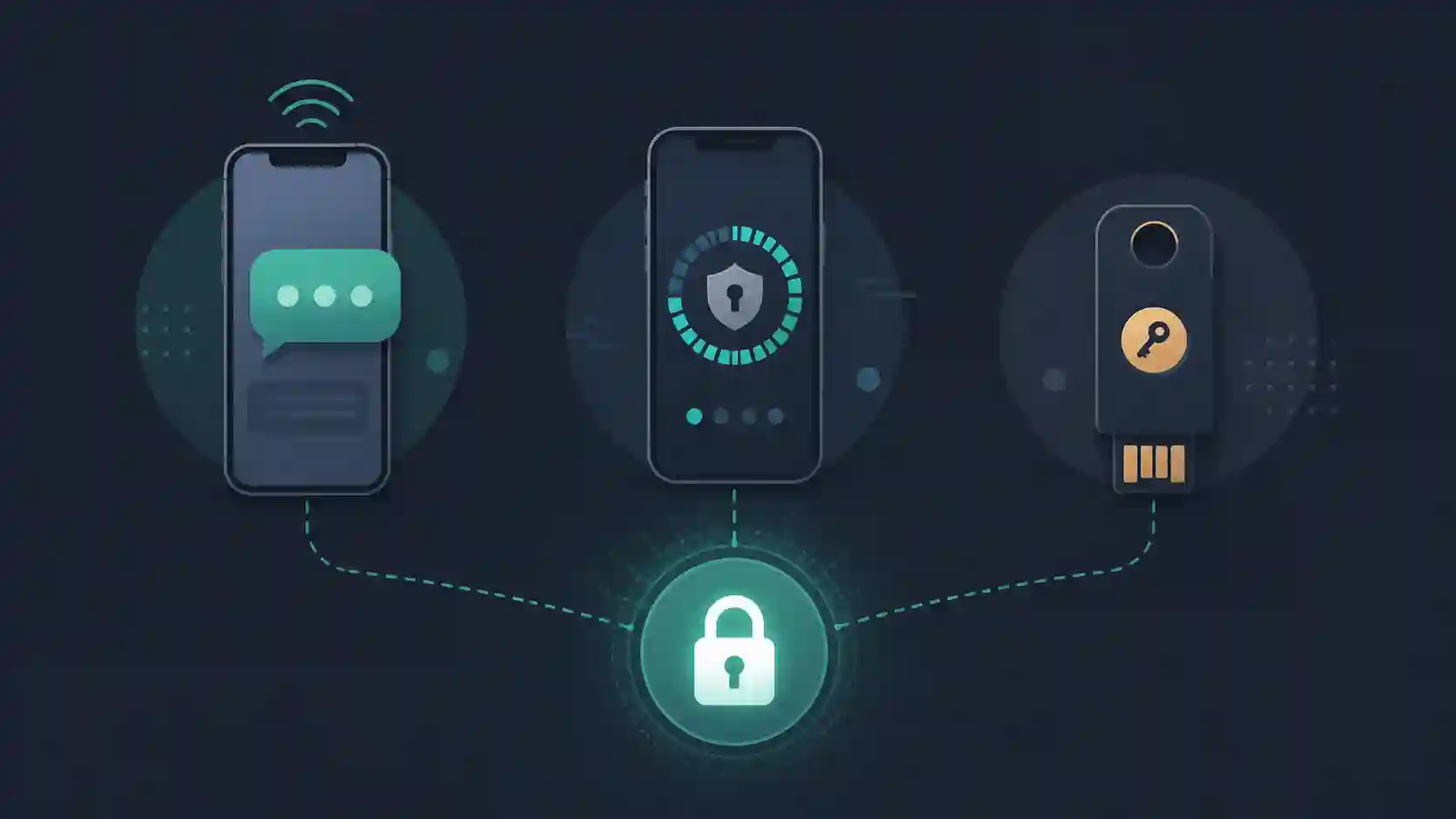
You turned on "two-step verification" for your bank, email and social accounts, you get a code by text every time you log in, and you sleep soundly thinking you're protected. The problem is that SMS — the most popular method by far — is the weakest link in that chain. A SIM swap attack ports your number to the criminal's phone, and every code that was supposed to protect you starts landing in their hands instead. The right question isn't "do I have 2FA?" but "which 2FA do I have, and does it survive the kind of attack I actually face?".
This guide separates the three methods — SMS, authenticator app and hardware key — by what matters in practice: what each one protects against, what it doesn't, and which one fits your situation.
What the second factor actually solves
A password on its own is a secret that leaks. It leaks in data breaches, in phishing, in reuse across sites, in malware. The second factor exists so that leaking the password isn't enough: the attacker would also need the second element, which ideally lives in something you possess (your phone, your key). It's the difference between "knows the password" and "knows the password AND has your device in hand".
The big variable across methods is how easily that "second element" can be stolen remotely. And that's exactly where they split apart.
SMS: better than nothing, worse than you think
SMS codes work like this: the service generates a 6-digit number and sends it to your phone over the carrier network. You type it, you're in. Simple — which is why it's everywhere.
The holes:
- SIM swap. The criminal calls your carrier impersonating you (or bribes/tricks an agent) and requests porting your number to a new SIM. From then on, the texts arrive on their device. Nothing on your phone needs to be touched.
- Real-time phishing. A fake page asks for your password, then the SMS code. You type both; the attacker relays them to the real site instantly and logs in. The code is valid for minutes — plenty of time.
- Network interception. In more sophisticated cases, flaws in the telephony SS7 protocol allow messages to be diverted.
SMS protects against the most common scenario — someone who only has your leaked password trying to log in from the other side of the world. It does not protect against someone targeting you specifically. If it's the only 2FA a service offers, turn it on — it beats a lone password. But don't treat it as armor.
Authenticator app: the sweet spot for 99% of people
Apps like Google Authenticator, Microsoft Authenticator, Authy or 2FAS generate TOTP (Time-based One-Time Password) codes: a 6-digit number that changes every 30 seconds, computed locally from a secret agreed upon when you scan the QR code.
Why it beats SMS:
- The code is born inside your phone, never passing through the carrier. SIM swap can't reach it.
- It works offline — no signal, no SIM needed.
- The secret never travels over the network after the initial setup.
What still slips through: real-time phishing. Because the TOTP code is just a number you type, a convincing fake page can still ask for it and relay it instantly. TOTP solves channel theft (the carrier), not user deception.
Details that matter:
When you set up the app, save the backup codes the service offers.
They're your way back in if you lose the phone.
Keep them off that same device — paper in a safe, or a password manager.
If you use an app with cloud backup (Authy, or the newer Google Authenticator), you gain convenience when switching phones, but the secret now depends on the security of that cloud account — protect it with strong 2FA too. That's a conscious trade-off, not a footnote.
Hardware key: the ceiling against phishing
The security key (YubiKey, Titan, or any FIDO2/U2F device) is a piece of hardware — USB, NFC, or both — that you tap or tap-near to confirm a login. The difference isn't "one more number". It's that the key performs cryptography bound to the site's domain.
In practice: the key signs a challenge that includes the real site's address. If you've landed on a phishing page at bankk-secure.com, the signature simply won't match the genuine domain, and the login fails. There's no code for you to mistype, nothing to relay. That's why FIDO2 is considered phishing-resistant by design — the only one of the three methods that neutralizes real-time phishing.
Watch-outs:
- It costs money (a decent key runs roughly $25–$60).
- You have to carry the device — and have a plan B if you lose it.
- Always register two keys: one for daily use, one spare kept somewhere safe. Losing the only registered key can lock you out for good.
For anyone who runs infrastructure, holds crypto, is a high-value target, or simply wants the maximum, the hardware key is the gold standard.
So which should you choose?
Think in layers, not a single pick:
- Baseline: enable an authenticator app on everything that offers it. It's free and covers the bulk of threats.
- Critical accounts (primary email, bank, password manager): add a hardware key if you can. Your primary email is the mother of all accounts — whoever controls it resets the password on everything else.
- SMS: use it only where it's the sole option, and switch to an app as soon as the service supports one.
And don't forget the obvious: the second factor protects a password that still needs to be strong and unique. Reusing the same password across ten sites remains mistake number one — it's worth reading how to create and store strong passwords, which covers the management and storage side that 2FA doesn't solve. To generate long, random passwords on the spot, you can use a password generator that runs right in your browser, sending nothing to any server.
Frequently asked questions
Which two-factor authentication is the most secure?
The hardware key (FIDO2/U2F, like a YubiKey or Titan) is the most secure, because it's phishing-resistant by design: the verification is locked to the site's real domain. The authenticator app comes second and is the best balance of security and convenience for most people. SMS is the least secure of the three.
Why is SMS considered the weak link in 2FA?
Because the code depends on the carrier network and your phone number, both of which can be hijacked via SIM swap or diverted through SS7 protocol flaws. Neither attack requires touching your phone — it's enough to convince the carrier or exploit the network.
Does an authenticator app protect against phishing?
It protects against channel theft (SIM swap, interception), but not against real-time phishing: since the TOTP code is a number you type, a fake page can ask for it and relay it instantly. Only a FIDO2 hardware key neutralizes that scenario, because it binds the login to the domain.
If I lose the phone with my authenticator app, do I lose access to my accounts?
No — as long as you saved the backup codes each service offers at setup, or you use an app with cloud backup. Keep the backup codes off that same device. This is the step most people skip, and the one that causes the most lockouts.
What to take from this guide
2FA isn't an on/off "enable security" button; it's a scale. SMS beats nothing and stops the generic attacker. The authenticator app cuts off SIM swap and is the sensible baseline for everyone. The hardware key is the only one that beats real-time phishing, and it belongs on your most valuable accounts. Choose by the value of what you're protecting — and remember the second factor only makes sense on top of a first password that was already strong and unique.
- 01 UTF-8 and encoding problems: why accents break and how to fix them What UTF-8 is, code points, mojibake, and why accented text turns to garbage — the mechanism explained end to end.
- 02 MIT, Apache, and GPL Licenses: Practical Differences for Developers MIT, Apache 2.0, and GPL are not the same thing. Understand permissive vs copyleft, patent protection, and compatibility before shipping code to production.